The Best Mac Apps for Productivity in 2024
Eight Mac productivity apps that earned a permanent spot on every machine I set up — tested, honest, and free of hype.
By Clara Osei · Published:
Every Mac user I've ever talked to has a list. Not a to-do list — though that's part of it — but a mental list of the apps they couldn't live without. The ones that, if they disappeared tomorrow, would genuinely break how they work. After years of testing, purchasing, and occasionally deleting apps I regretted buying, I've narrowed my own list down to eight that earn their place on every machine I set up. These aren't necessarily the flashiest apps of 2024. They're the ones that are still running six months later.
Why Has Raycast Made Spotlight Embarrassing?
I used Alfred for years and thought I was sorted. Then I tried Raycast and quietly stopped opening Alfred. Raycast is a launcher that has quietly colonized everything that used to require three different apps: app switching, clipboard history, snippet expansion, window management, and a growing library of community extensions that pipe in GitHub pull requests, Jira tickets, Linear issues, and Figma files directly into a single keystroke. It's free for everything I just described, which is honestly suspicious.
What keeps it on my machine isn't the features list — it's the speed. Raycast opens before the muscle memory that launched it has finished firing. When I'm jumping between twelve projects and need to paste a URL I copied twenty minutes ago, I'm in Raycast's clipboard history before I've consciously decided to look for it. Alfred users will feel immediately at home, and Spotlight users will feel like they've been missing a limb. The one honest caveat: the AI features in Raycast Pro ($96/year) are good but not essential — the free tier is genuinely complete.
Is Things 3 Still the Best Task Manager for Mac in 2024?
Things 3 came out in 2017 and Cultured Code has updated it steadily but without bloat. That restraint is the whole point. In a world where every task manager now has a Kanban board, AI suggestions, and a collaboration layer, Things 3 remains a single-user, inbox-to-project machine that gets out of the way. I've used OmniFocus (too complex for daily use), Todoist (fine but the Mac app feels like a web wrapper), and Notion databases (fun to build, painful to maintain). I always come back to Things 3.
The Today view is the killer feature nobody talks about enough. Every morning I open it and see exactly what I've committed to doing, sorted by area of my life. The Quick Entry shortcut means I never lose a thought. The one-time price of $49.99 on Mac (plus separate iPhone/iPad purchases) stings once but never again — no subscription, no upsell, no seats. Who it's not for: teams, anyone who needs shared projects, or people who actually want the Kanban view. For solo deep work, nothing beats it.
What Makes Obsidian the Notes App That Actually Grows With You?
I've been burned by notes apps before. Evernote held years of my writing hostage in a proprietary format. Notion is brilliant until you're offline and realize your entire brain is behind an API call. Obsidian stores everything as plain Markdown files on your own disk — which sounds boring until you realize it means your notes will be readable in thirty years regardless of whether the company exists.
The graph view is the feature that hooks people in demos, but the reason I'm still using Obsidian eighteen months later is the plugin ecosystem and the Dataview plugin specifically. I run a personal knowledge base, a client project tracker, and a reading log all in one vault. The free tier is complete for local use; Obsidian Sync ($96/year) is the only payment I've made, and it works flawlessly across my Mac and iPhone. Bear users will miss the polish. Notion users will miss the collaboration. But if you're building a second brain for yourself, Obsidian is the only app that feels like it's on your side.
Is Fantastical Worth Its $57-a-Year Subscription?
Honest answer: for most people, no. Apple Calendar has gotten genuinely good, and if you just need to see your meetings, it's fine. But I'm someone who manages calendars across multiple Google accounts, two iCloud accounts, and a set of shared family calendars — and Fantastical is the only app that makes all of that feel unified rather than chaotic.
The natural language input is what I actually use every day. Typing "lunch with Sam Tuesday 12:30 Farmhouse Kitchen" creates a correctly-named event in the right calendar at the right time without me touching a form. The meeting proposal feature alone has saved me about an hour a week of back-and-forth email. If you're a solo professional with one calendar, skip it and save the money. If you're juggling multiple accounts and live in your calendar, Fantastical is one of the few subscriptions that passes my gut-check renewal test every year.
Why Does Timing Know More About Your Day Than You Do?
I started using Timing because I needed to invoice clients accurately. I kept using it because it turned out I had no idea how I was actually spending my time. Timing runs silently in the background, automatically categorizing every app, website, and document you touch. No timers to start and stop. No forgetting. When I looked at my first week of data, I learned that I was spending 40 minutes a day in email I thought was taking ten.
The interface takes an hour to configure well — you teach it your categories by dragging blocks of time into project buckets — but after that it's nearly zero friction. The reports are genuinely beautiful, and exporting to CSV for invoicing takes thirty seconds. At $6.99/month (or a discounted annual plan), it's not cheap, but it paid for itself in recovered billable hours within a week. The one limitation: it only works when your Mac is awake, so anything on your phone disappears from the record.
Has CleanShot X Made the Built-In Screenshot Tool Obsolete?
Yes. I feel a little bad saying it because the native macOS screenshot tool has gotten genuinely good, but CleanShot X makes it look like a prototype. The scrolling capture feature — where it scrolls and stitches a webpage or document into a single image — is something I use almost daily. The annotation tools are the kind of thing you'd expect to find in a $200 design app. And the automatic background blur for UI captures saves me ten minutes every time I'm putting together a tutorial or spec.
The one-time purchase of $29 (from the developer directly, not the App Store) is one of the best value purchases in the Mac app space. There's a cloud hosting add-on, but I've never felt the need for it — local saves and direct sharing work fine. If you do any writing, documentation, or client communication on your Mac, CleanShot X is the upgrade you didn't know you needed.
Why Is Window Management Still Broken on Mac Without Help?
macOS has had a half-baked window manager for twenty-five years. Stage Manager was supposed to fix this and, depending on who you ask, made it worse. Rectangle is the app I install within the first fifteen minutes on any new Mac. It's free, open-source, and maps keyboard shortcuts to window snapping behaviors that macOS simply doesn't provide natively. Left half, right half, maximize, top-right corner — it's all there, customizable, and works instantly.
If you want to pay for more features, Magnet ($7.99 on the App Store) adds a menu bar interface and a few extra zone options. I've used both and honestly can't justify Magnet when Rectangle exists. Moom is the power user option at $9.99 and adds saved window layouts you can trigger with a keystroke — genuinely useful if you switch between a multi-monitor setup and a single laptop screen regularly. For most people, Rectangle is the answer.
Can Bear Actually Replace a Dedicated Writing App?
For a certain kind of writing — quick drafts, notes, daily journaling, blog posts, short-form work — Bear is the most pleasant writing experience on Mac. The typography is considered in a way that feels rare in productivity software. The tag system replaces folders without the rigidity of folders. And the iPhone app is the only notes app where I've actually enjoyed writing a long-form thought on a phone keyboard.
Bear 2.0 added backlinks, which nudged it toward Obsidian territory, but Bear's strength is still the experience of writing a single document rather than building a knowledge graph. The $29.99/year subscription syncs across devices and adds export options. It is not the right tool for research-heavy writing, long projects with many linked notes, or anything collaborative. But for the daily writing habit — the morning pages, the client brief, the newsletter draft — Bear is what I reach for without thinking.
Productivity on Mac doesn't require a dashboard of forty apps. It requires a handful of tools that become invisible — that fit so well into how you already think that you stop noticing you're using them. These eight have reached that point for me. Your list will look different. The goal is to find the version that disappears into your day.
---Clara Osei
Mac App Editor
Related
Show more Warp Terminal Review: Is It Worth Replacing iTerm2?Warp's Block model and built-in AI are genuinely impressive, but mandatory accounts and privacy tradeoffs mean it's not the right terminal for everyone.
Jun 17, 2026
 Zed Editor Review: The Fastest Code Editor on Mac?Zed is genuinely the fastest code editor on Mac, but after four months daily driving it, the extension gap means it's not a full VS Code replacement — yet.
Jun 17, 2026
 Best Mac Apps for Developers in 2024Seven Mac apps that belong on every developer's machine: the terminal, database GUI, proxy debugger, docs browser, and git clients that actually earn their dock space.
Jun 17, 2026
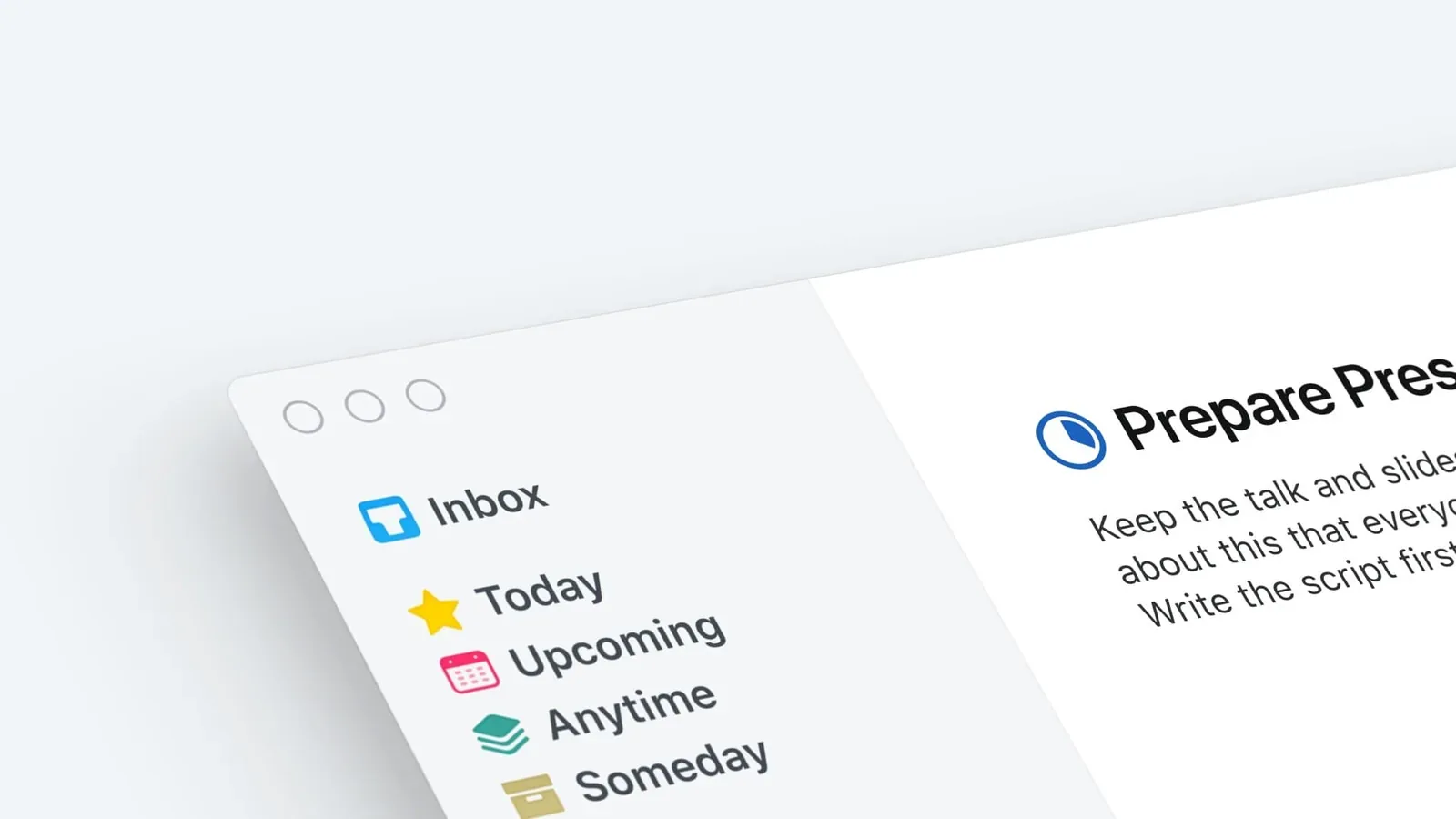 Things 3 Review: The Most Beautiful GTD App on MacThings 3 is the most beautiful task manager on Mac — and after a year of daily use, I'm convinced it's the best personal GTD app for Apple users who want a system they'll actually keep using.
Jun 17, 2026